The cooler months have a funny way of reminding us where our WiFi doesn't reach.
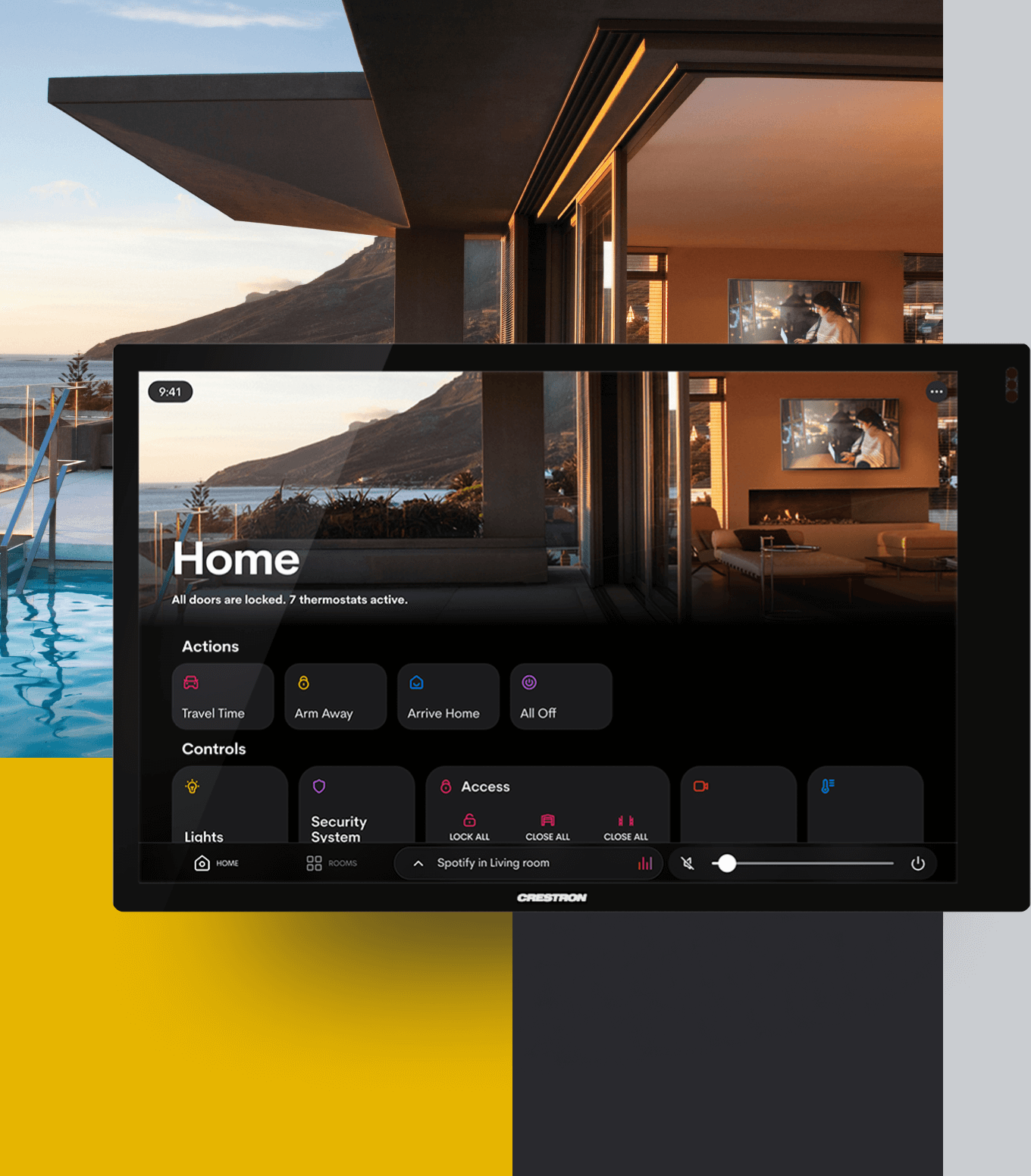
Suddenly you're working from home more, the kids are inside doing schoolwork, someone's trying to stream Netflix in the back bedroom, and your smart home devices are dropping offline because the signal doesn't quite make it past the kitchen wall. Or maybe you're heading out to the shed to get some work done and your phone disconnects the moment you step outside.
Sound familiar?
May is actually a brilliant time to sort out your WiFi properly — before the fire's on and everyone's settled in for the season. Here's what that can look like, and why it's worth doing right.
Why Your Router Alone Usually Isn't Enough
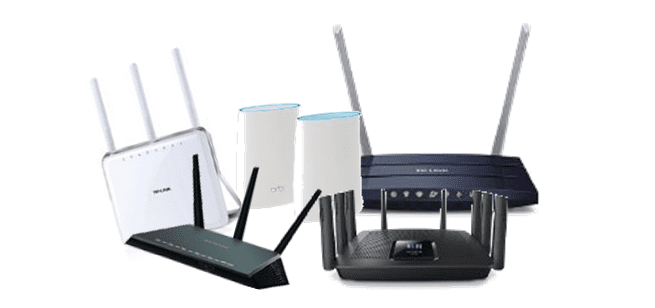
Most people's internet setup looks something like this: a modem-router sitting near the front door or in a hallway cupboard, doing its best to push a signal through walls, ceilings, and across large distances. For a small apartment, that's probably fine. For a Southern Highlands home — especially one with thick stone walls, multiple levels, a home office, or a property that extends to a shed, garage, or granny flat — it almost never is.
The problem isn't your internet connection. It's that your WiFi signal is trying to do too much from one single point.
And no matter how expensive your router is, physics will always win.
The solution isn't a better router. It's a better system.
What a Proper WiFi System Actually Looks Like
At The Techery, we design and install WiFi infrastructure using Ubiquiti's UniFi platform — the same professional-grade system used in hotels, office buildings, and enterprise campuses, now accessible and practical for homes and small businesses.
Instead of one device trying to cover everything, a UniFi system uses multiple access points placed strategically across your property. Each one is wired back to your network (where possible) for maximum reliability, and they all work together seamlessly — so your phone or laptop moves between them without dropping out, exactly like a professional building does it.
For outdoor coverage, we commonly deploy the UniFi Mesh and Mesh Pro's — both weather-rated, these access points are built specifically for outdoor and extended coverage applications. These indoor/outdoor access points are designed for mesh applications, making it well suited to the Southern Highlands' variable conditions.
These are purpose-built outdoor units that can handle a lot of devices, in all weather, and integrate cleanly with everything else on your network.
Sheds, Garages, and Paddock Buildings — Yes, WiFi Can Reach There Too
This is one of the most common conversations we have with rural and semi-rural property owners across the Highlands.
Whether it's a workshop, a machinery shed, a studio, a granny flat, or a paddock building — if there's power, there's usually a way to get reliable WiFi there. In most cases we're running a cable from your main building out to the structure and mounting an access point on the outside wall or under the eave. The result is full-strength WiFi at the shed that's on the same network as your house, with no separate logins, no dead zones in between, and no dropouts.
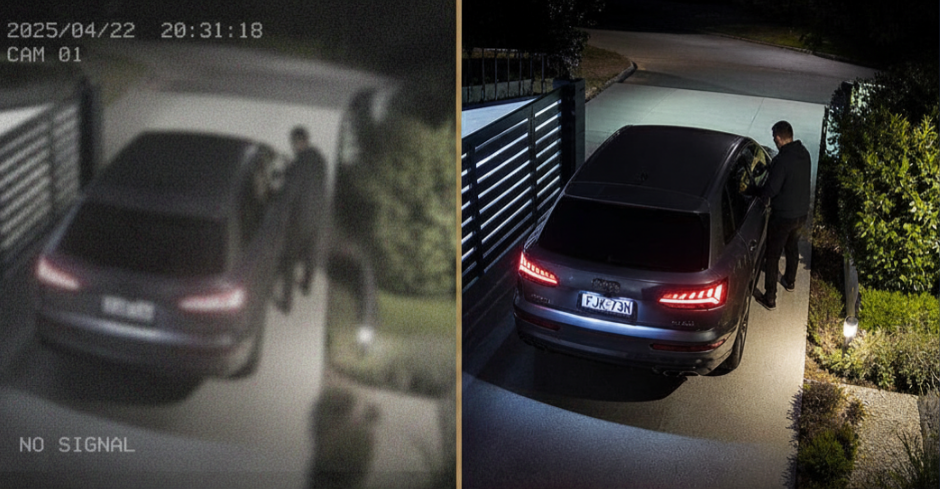
It's also the foundation that makes other technology possible out there — security cameras, smart lighting, intercom systems, even a UniFi Access reader on the shed door if you want to get fancy about it.
Home Offices — Built for How You Actually Work Now
The home office has gone from being a nice-to-have to a genuine necessity for a lot of families across the Highlands. And yet the WiFi supporting it is often an afterthought — a slow connection, an extender plugged into a wall, or a long Ethernet cable someone's tripped over twice.
A properly placed access point in or near your home office makes a real difference. Video calls stay stable. Large file uploads don't stall out. You're not competing with the rest of the household for bandwidth. And because UniFi lets us manage everything centrally, we can also set up separate networks — so your work devices stay on their own network, away from the kids' tablets and the smart TV.
Event WiFi — When You Need Reliable Connectivity for a Crowd
We also provide temporary WiFi solutions for events across the Southern Highlands — markets, weddings, corporate functions, pop-up venues, and community events where reliable connectivity for a large number of people is genuinely important.
The challenge with events isn't just coverage — it's capacity. Consumer-grade equipment simply can't handle hundreds of devices connecting at once without grinding to a halt. UniFi's access points are designed for exactly this kind of high-density environment, and we configure them specifically for the event: isolated guest networks, bandwidth management, and the kind of setup that actually holds up when 200 people try to post to Instagram at the same time.
If you're planning an event and WiFi is on the checklist, it's worth having a conversation with us early — the planning and infrastructure side of it takes a little lead time to do properly.
It's Worth Doing Once, and Doing Right
The thing we hear most often after a proper WiFi installation is: "I can't believe we put up with the old setup for so long."
Dead zones disappear. Dropped calls stop. Smart home devices that were forever going offline start behaving. And the whole property — inside and out — just works the way it should.
If you've been frustrated by patchy coverage, a shed that can't get a signal, a home office that buffers at the worst times, or an event coming up that needs reliable connectivity — give us a call.
We're at Shop 5, The Mill, Bowral, reachable on 02 4883 6781, or you can get in touch through our website. We'll take a look at your property and put together something that actually fits.
— The Techery Team